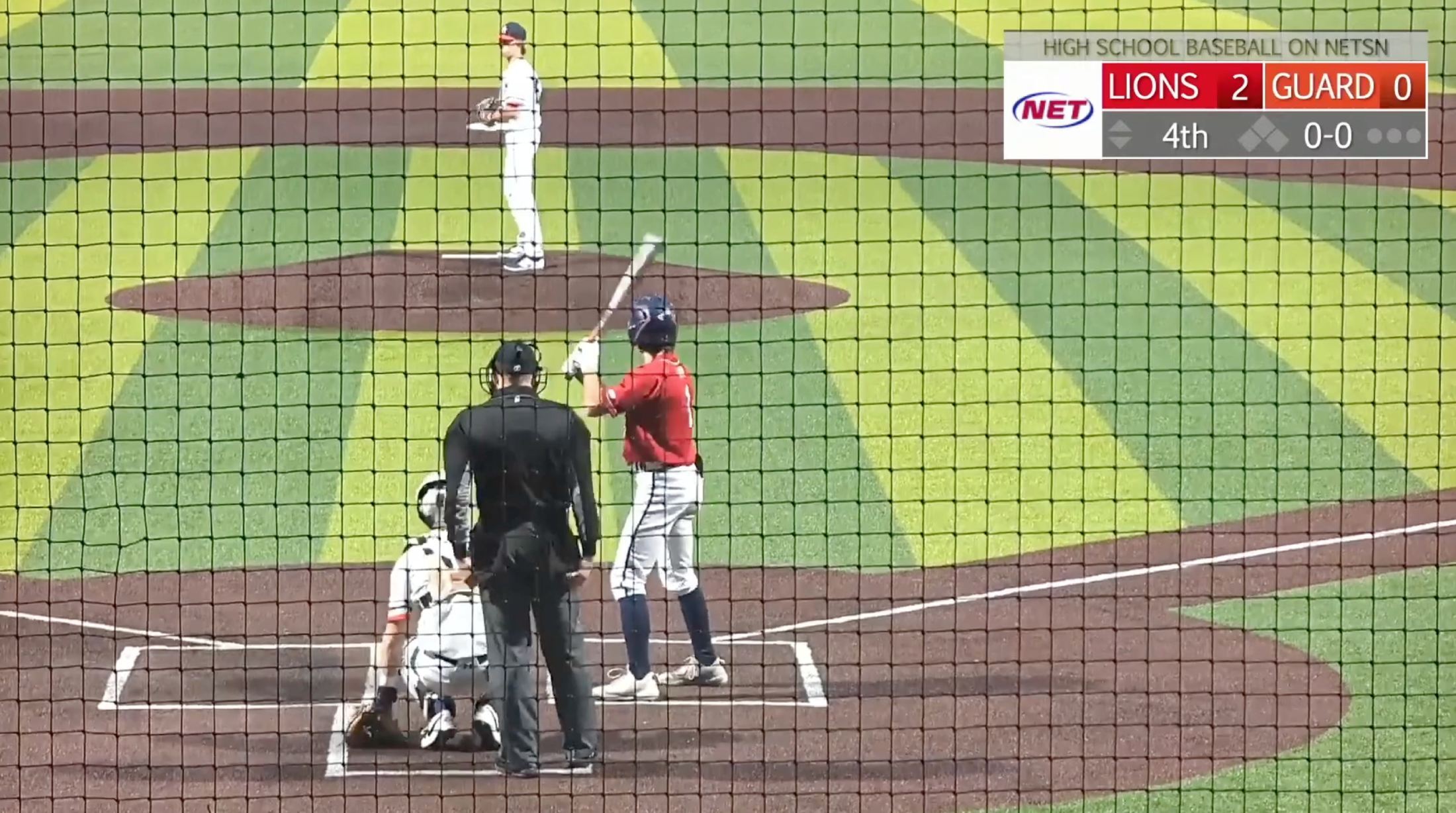
GameChanger allows eligible users to view and share available video clips, but families and coaches may still need a practical way to organize usable video files, connect clips with game information, and share selected moments with others.
SimplSeason is designed to complement that workflow. It uses the GameChanger access you already have and helps connect available video with a more detailed season record.
Can you download videos from GameChanger?
GameChanger supports downloading or saving eligible automatic clips through parts of its app experience. Availability depends on the sport, whether the game was recorded, how the video was created, the user’s role or subscription, and the team’s privacy settings.
For longer archived game video, the available workflow may differ from the process for automatic clips. Because GameChanger’s features continue to evolve, users should check its current help documentation for the latest native options.
Why downloading a clip is only part of the job
Getting a video onto your device solves one problem. It does not necessarily make the video easy to use. Families and coaches often still need to:
- Identify the game, inning, player, and play
- Rename files consistently
- Match video with the correct statistics
- Find clips again several months later
- Share video with someone outside the team
- Preserve highlights when a player changes teams
A file with a random name is technically downloaded, but it is not yet part of an organized athletic record. The real value comes from connecting the moment to its context.
A better video workflow for baseball and softball families
1. Start with authorized access
Sign in to GameChanger with your own account and open the team, game, or video available to you. SimplSeason does not change the permissions associated with your relationship to the team, subscription, or privacy settings.
2. Connect the video with the game
A useful clip should be associated with the player, opponent, game date, inning, play type, game situation, and relevant statistics. This makes the footage searchable and gives viewers enough context to understand what happened.
3. Save a usable copy when available
A practical download produces a video file that can be stored, renamed, edited, or uploaded through the services you choose. SimplSeason is being built to reduce the friction between seeing eligible video and working with it as part of the season record.
4. Share intentionally
Before sharing youth sports video, consider who appears in the footage, the team’s media policy, the intended audience, and whether the clip exposes information about minors. Easy sharing should not mean automatic public sharing.
Ways families can use organized game video
Player development
Compare similar plate appearances, pitching outings, or defensive plays across several weeks.
Family sharing
Send a specific highlight with the correct game and player context.
Season recaps
Build a year-end collection without relying on memory or unnamed camera-roll files.
Recruiting communication
Give coaches a concise set of representative clips supported by accurate season information.
How SimplSeason complements GameChanger video
- Continue scoring and recording games in GameChanger.
- Sign in to GameChanger normally through Chrome.
- Open a supported team or game page.
- Use SimplSeason Sync to capture information available to your account.
- Review the connected season record in SimplSeason.
- Work with eligible video and share selected information with the appropriate audience.
SimplSeason does not receive or store your GameChanger password. It reads only supported pages your signed-in account can already access.
Tips for organizing downloaded sports video
Use a consistent filename, such as 2026-06-14_PlayerName_vs-Opponent_Double_5th-Inning.mp4. Organize files by season, team, player, game date, or highlight type, and keep an original copy before editing.
A small, clearly labeled collection of representative clips is often more useful than a large folder of unorganized footage.
Quick answers
Frequently asked questions
Can SimplSeason download any GameChanger video?
No. SimplSeason does not bypass GameChanger permissions, subscriptions, or privacy settings. A user must already have authorized access, and not every video may be available as a downloadable file.
Can GameChanger clips be shared outside the app?
Eligible clips can be shared through supported GameChanger workflows. Exact options depend on the clip, platform, account access, and current product features.
Does SimplSeason store my GameChanger password?
No. Users sign in directly through GameChanger. SimplSeason does not receive or store their GameChanger password.
Is SimplSeason affiliated with GameChanger?
No. SimplSeason is an independent service and is not affiliated with, endorsed by, or sponsored by GameChanger Media, Inc.
Keep the season
Turn the games already played into a record that lasts.
Connect your authorized GameChanger pages, then explore the games, players, and trends in one place.
Join the SimplSeason betaSimplSeason is an independent service and is not affiliated with, endorsed by, or sponsored by GameChanger Media, Inc. GameChanger is a trademark of its respective owner.